


Frankston Mural Art, Big Picture Fest 2018
Album created by
Gord Barentsen ·
Updated
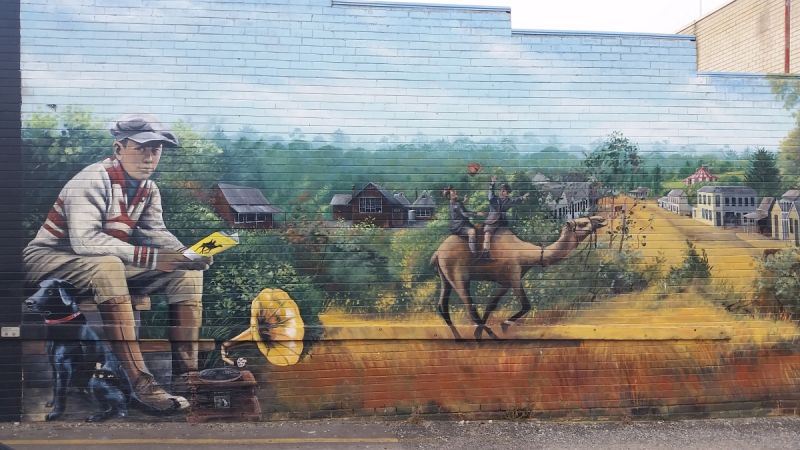
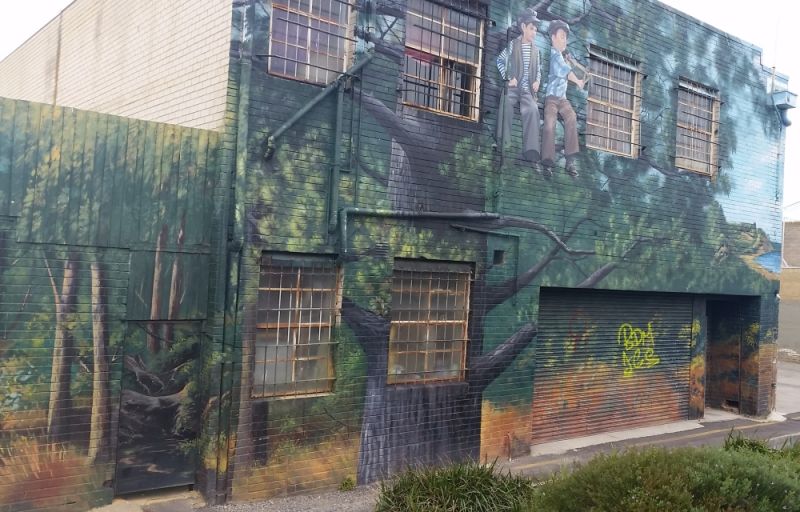
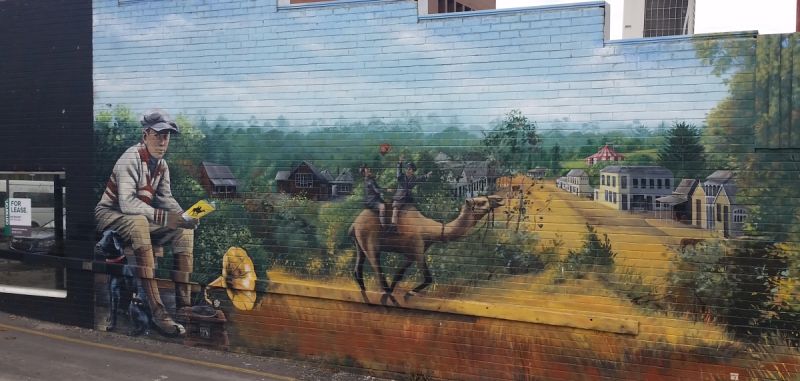
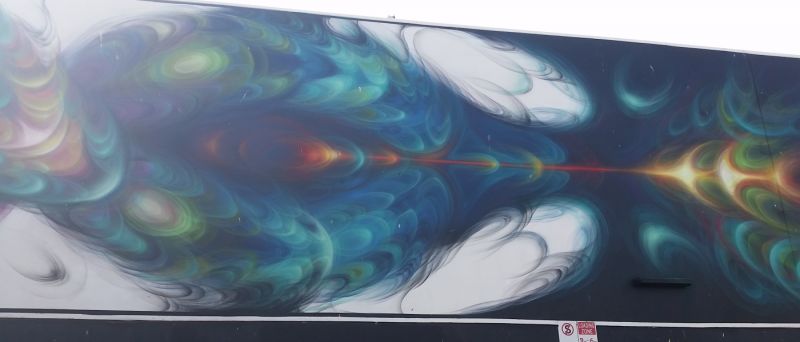
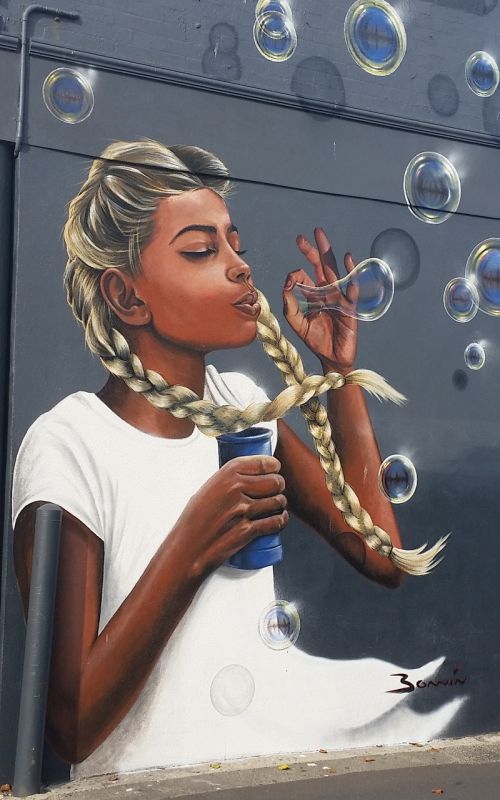
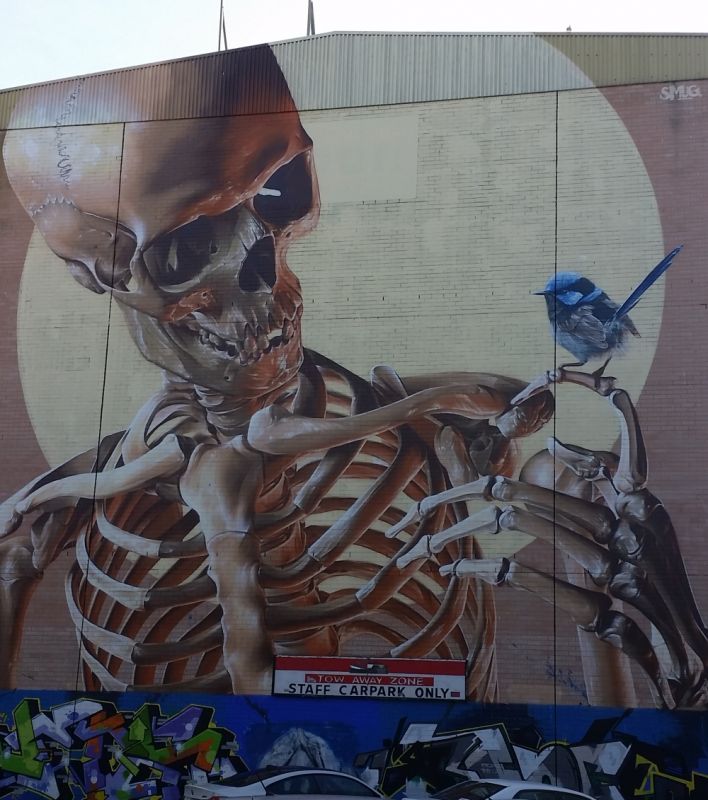
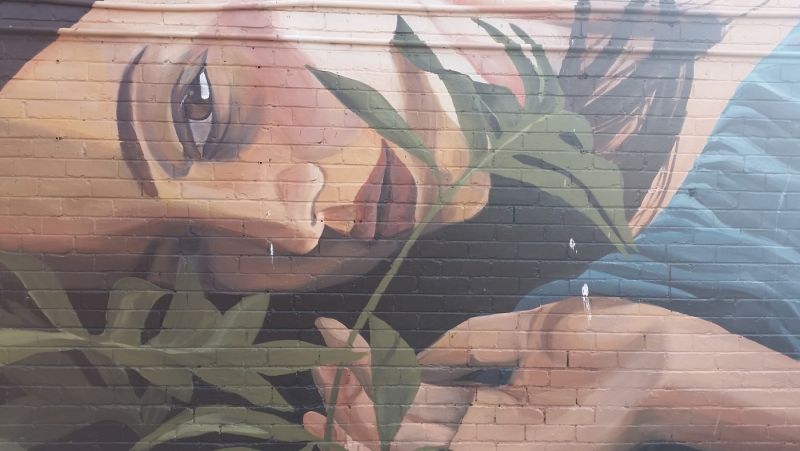
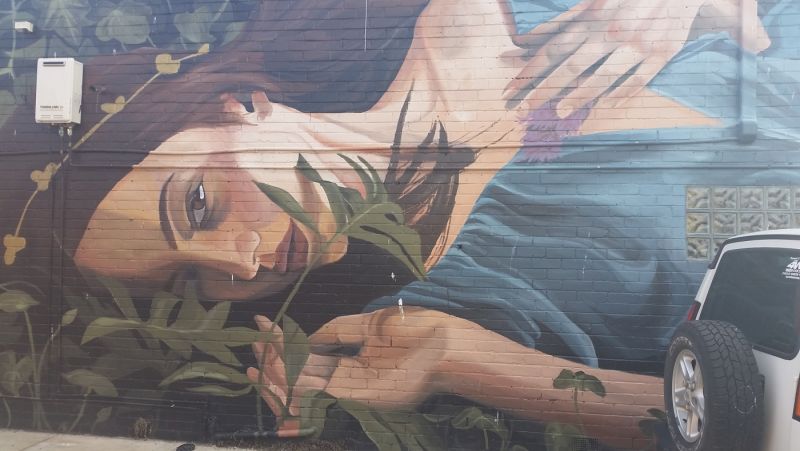
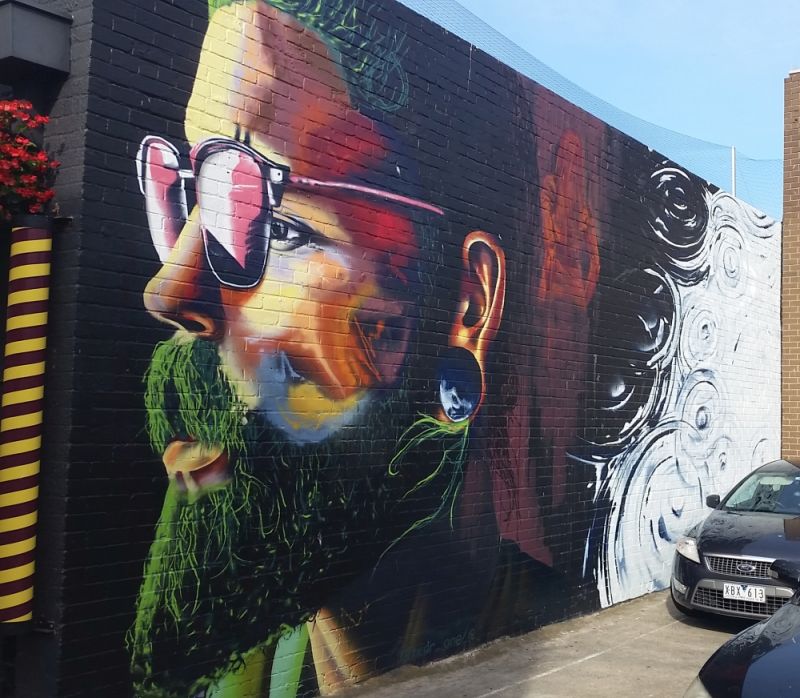
As part of the $63M Frankston Station Precinct Redevelopment Project, Frankston's Big Picture Fest featured 7 headline and 29 local artists. According to the Frankston City News (May-June 2018, p. 12) 1100 cans of spray paint and 300L of bucket paint were used over a week to adorn otherwise dull city walls with works of art.
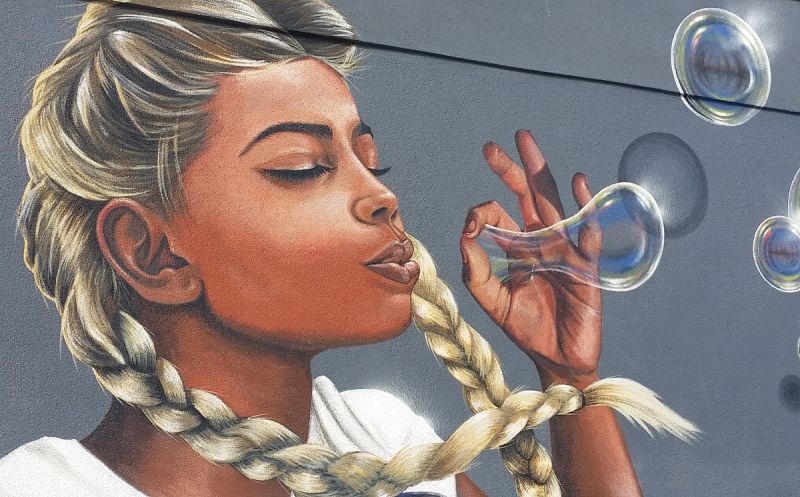
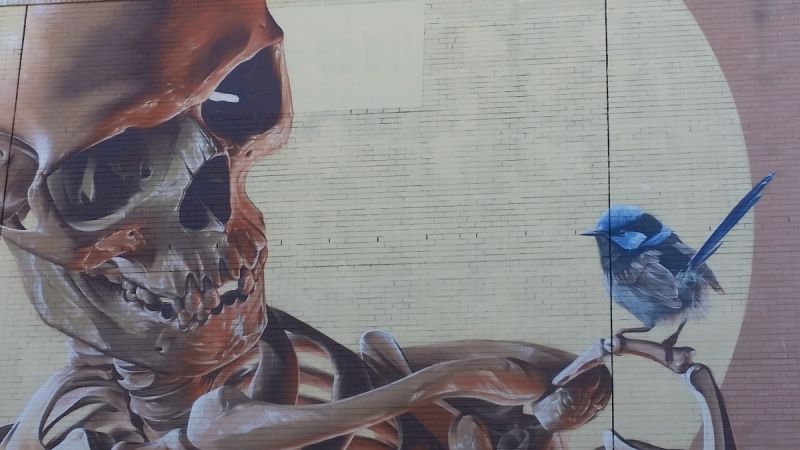
Where possible, I've included pictures of the whole artwork with background for scale, as well as details/closeups.
11 entries
-
-
-
-
-
By Gord Barentsen · 1 comment
-
-
By Gord Barentsen · 1 comment
-
By Gord Barentsen · 2 comments
-
-
-
0 Album Comments
There are no comments to display.
Please create an account or sign in to comment.